Olive: A Color Font That Turns Every Letter into a Typographic Painting
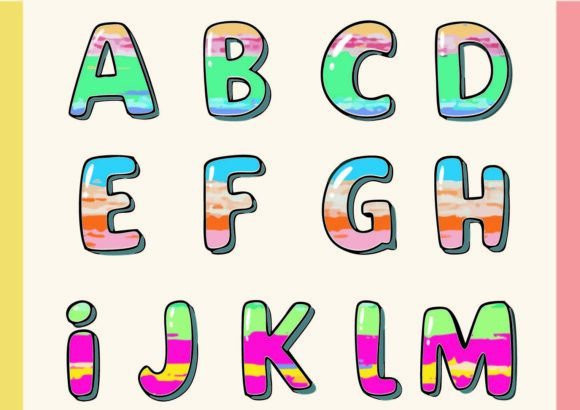
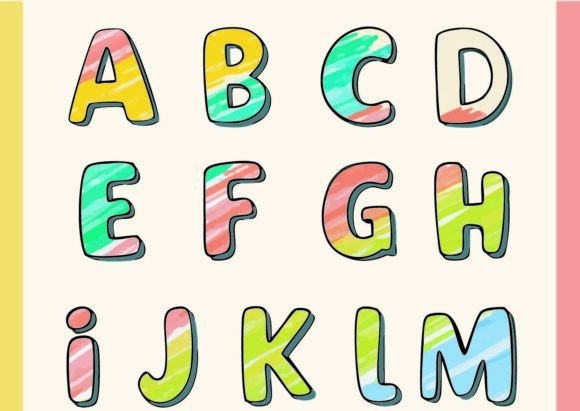
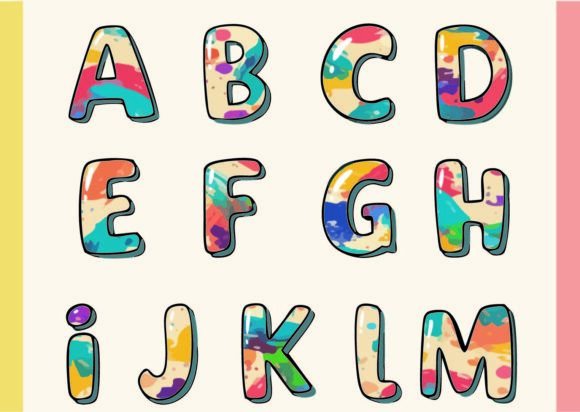
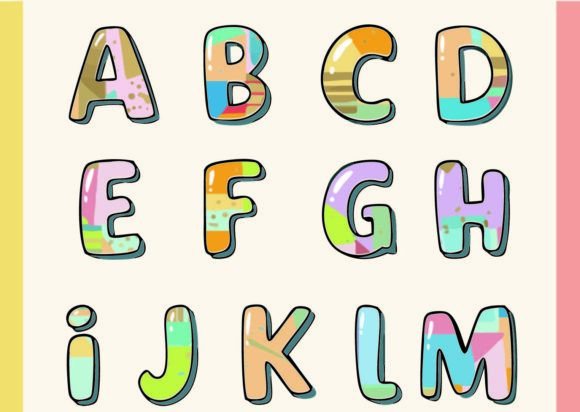
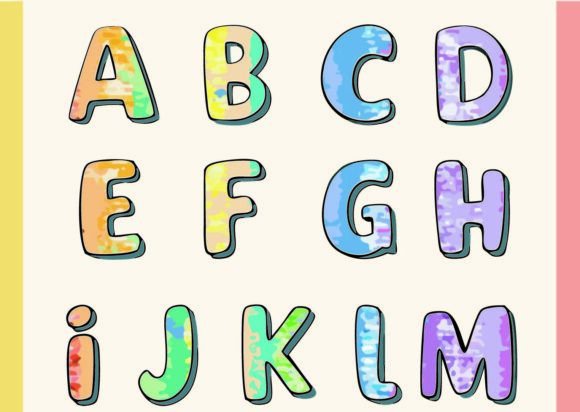
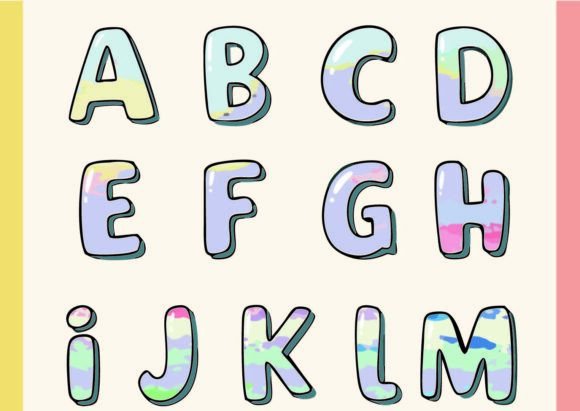
If you think of typography as simply black shapes on a white background, it is time to change your perspective. I recently spent time with Olive, a color font that challenges the very definition of a typeface. This is not your standard OpenType file where you just select a point size and type. Olive is an OpenType-SVG font, meaning it relies on vector graphics embedded directly into the font file. The result is a "colorful heaven" where every single glyph features a unique, complex set of colors and paths. When you look closely at the characters, you aren’t just seeing strokes; you are seeing intricate connections and layered hues that resemble typographic paintings.
The Visual Personality of Olive
The immediate appeal of Olive lies in its artistic complexity. In traditional typography, we often look for consistency in weight and spacing. With Olive, the consistency lies in its artistic expression, but the execution varies from character to character. This isn't a simple "rainbow" effect. The designers have built complex pathways within each glyph, creating depth and texture that flat fonts simply cannot achieve. It feels organic yet structured, making it a fascinating tool for creative font exploration.
Because it functions as a display font, Olive commands attention. It brings a level of sophistication and playfulness that is rare in modern typography. Whether you are working on logo design or a specific headline for a magazine spread, this typeface provides an immediate focal point. It bridges the gap between text and illustration, serving as a design asset that does double duty.
Practical Applications for Designers and Creators
As a creative professional, you know that choosing the right typeface defines the mood of a project. Olive is a premium font that shines brightest when used sparingly and strategically. Here is where I see it fitting best into your workflow:
- Branding and Identity: If you are building a brand identity for a boutique, a creative agency, or a lifestyle blog, Olive can serve as a distinctive wordmark. It works exceptionally well for brands that want to project a sense of creativity, joy, and uniqueness without relying on a standard script font or sans serif font.
- Packaging Design: On physical products, particularly in the beauty, food, or stationery sectors, Olive adds a tactile quality. The visual texture of the font suggests high quality and artisanal care, which can influence how consumers perceive the product inside.
- Digital and Social Media: In the fast-paced world of social media graphics, stopping the scroll is everything. Using Olive for key headlines on Instagram stories, Pinterest pins, or YouTube thumbnails can significantly boost engagement. The colors pop on screens in a way that traditional black or white text cannot.
- Editorial and Web Design: While you wouldn't use this for body copy, it is a powerhouse for editorial design. Think magazine headers, pull quotes, or landing page hero sections. It creates a strong visual hierarchy, immediately drawing the reader's eye to the most important message.
Technical Considerations and Workflow Integration
One of the most important things to understand about Olive is the file format. This is a color font utilizing OpenType-SVG technology. This technology allows for the inclusion of color data and gradients directly within the font file. However, compatibility is key here. Olive is compatible with major design software including Adobe Photoshop, Adobe Illustrator, Silhouette, and Inkscape. You will typically be working with OTF and/or TTF files, depending on your specific needs.
When evaluating project fit, keep in mind that because Olive is so detailed, it behaves differently than a standard vector font. It is perfect for large-scale applications where the intricate paths can be appreciated. If you try to shrink it down to 8pt for a disclaimer note, you will lose the visual impact and likely compromise readability. This is a typeface meant to be admired at larger sizes.
Pairing and Hierarchy
When it comes to font pairing, Olive does the heavy lifting, so your secondary font should take a back seat. I recommend pairing it with a clean, geometric sans serif font or a simple serif font for body text. You need the contrast of a neutral, highly legible font to let Olive’s colorful personality breathe. For example, a clean sans serif for your supporting copy will ensure that your design remains professional and readable, while Olive handles the "wow" factor.
Licensing and Commercial Use
Before you download, always review the commercial licensing terms. Whether you are a small business owner creating merchandise or a freelancer designing for clients, ensuring you have the correct license for the OTF and TTF files is essential. This protects you legally and supports the type designers who created these complex assets.
Elevating Your Design Assets
In a market saturated with generic typefaces, Olive offers a refreshing alternative. It is more than just a font; it is a piece of digital art. By incorporating this into your toolkit, you are investing in a design asset that can elevate mundane projects into something memorable. Whether you are crafting a wedding invitation, designing a logo, or creating a banner for a craft fair, the unique character of Olive ensures your work stands out. It proves that typography doesn't have to be static—it can be vibrant, complex, and full of life.