Juniper: A Color Font for Typographic Paintings
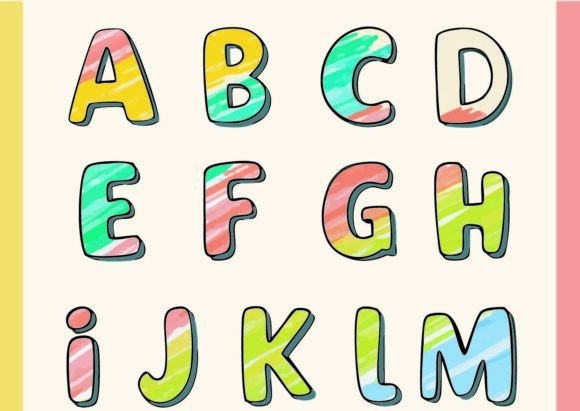
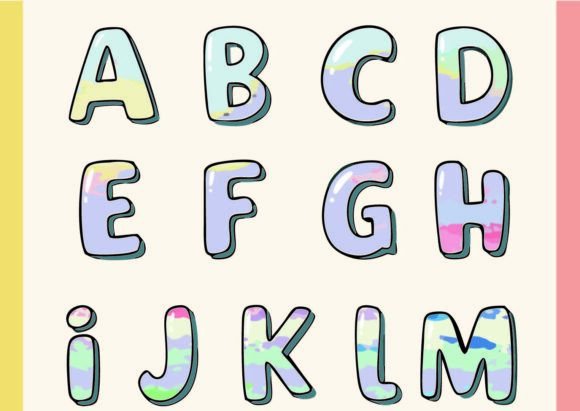
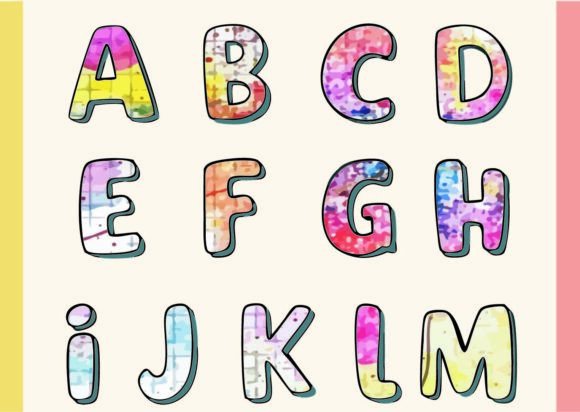
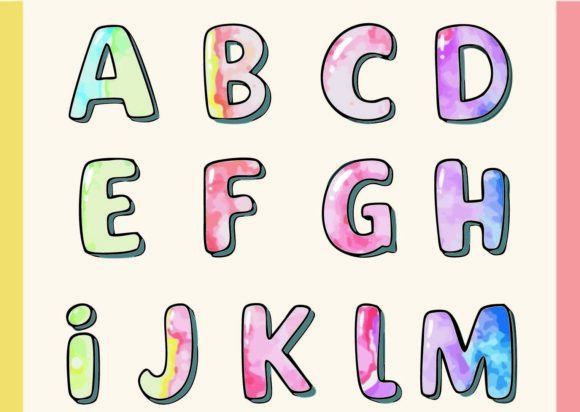
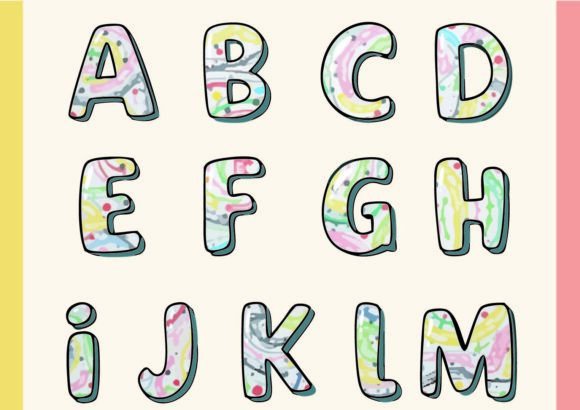
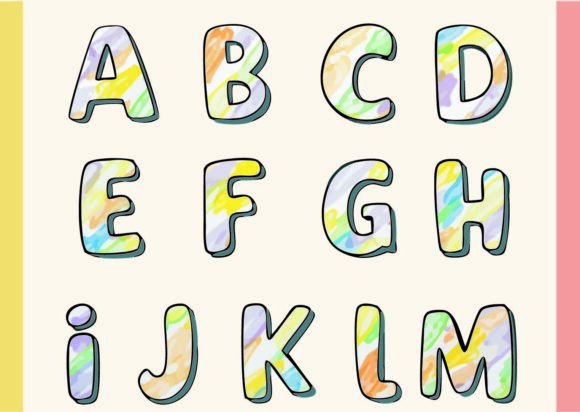
Imagine a typeface that doesn’t just sit on the page but actively participates in the visual conversation. Juniper is exactly that—a premium font that transcends traditional monochrome typography. It’s a chromatic font, meaning every single glyph is a unique composition of multiple colors and intricate paths. When you look closely at a letter or symbol in Juniper, you’re not just seeing a shape; you’re examining a complex set of connections and layers, almost like a tiny typographic painting. This isn’t your standard serif or sans serif font; it’s a creative font designed to inject immediate visual interest and personality into any project.
Where Juniper’s Colorful Personality Truly Shines
Juniper’s strength lies in its ability to command attention without shouting. It’s a display font at heart, built for headlines, logos, and focal points where first impressions are critical. Think about applications where you want to convey creativity, modernity, and a touch of artistic flair. For entrepreneurs and small business owners, Juniper can become the cornerstone of a distinctive brand identity. Use it for a boutique’s logo, the header of an artisanal product label, or the title on a creative agency’s website to instantly communicate a brand that values design and detail.
For designers and content creators, this color font opens up new possibilities. In editorial design, a chapter opener set in Juniper can set the tone for an entire publication. In packaging design, it can make a product stand out on a crowded shelf, telling a story of quality and craftsmanship before a single word of copy is read. Social media graphics and digital ads benefit immensely—Juniper’s built-in color complexity creates scroll-stopping visuals that increase engagement. Bloggers and publishers can use it for key section headers or featured quote callouts, adding a layer of professional polish that elevates the reading experience.
Practical Guidance for Using a Chromatic Font Like Juniper
Working with a color font like Juniper requires a slightly different approach than standard typefaces. First, compatibility is key. As an OpenType-SVG font, Juniper is supported in professional design software including Adobe Photoshop, Adobe Illustrator, and the open-source alternative Inkscape. It also works in crafting software like Silhouette Studio. Always ensure your project software can handle these advanced font files before purchasing.
Because Juniper is so visually rich, context is everything. It excels in short bursts—think titles, logos, single-word highlights, and pull quotes. Using it for long paragraphs of body text would likely overwhelm the reader and sacrifice readability. Its ideal role is as a partner to simpler, more neutral typefaces. Consider a classic font pairing: use Juniper for your main headline to grab attention, and pair it with a clean, legible sans serif font for your subheadings and body copy. This creates a clear visual hierarchy, guiding the reader’s eye while maintaining professionalism.
Evaluate the font’s fit by considering your project’s tone and audience. Juniper’s artistic, modern personality suits brands targeting a design-conscious demographic—think creative industries, lifestyle brands, boutique retail, and personal projects that value uniqueness. For a more corporate or traditional audience, its use might be limited to specific accents or event materials. Before committing, test it in your actual design mockups. View it at the intended size and on the intended medium (screen or print) to ensure the color details and complexity render well and support your message.
Key Considerations for Your Project
- Readability at Size: Always test Juniper at the final output size. Its intricate details are best appreciated when the font is large enough for the colors and paths to be clearly visible.
- Color Harmony: While the font comes with its own preset colors, in some applications you may be able to adjust the underlying color layers to better match your project’s palette, depending on your software’s capabilities.
- Commercial Licensing: If you plan to use Juniper for client work, merchandise, or any commercial product, carefully review the included license. Ensure the OTF or TTF files you purchase cover your intended use, whether for digital products, printed goods, or branding assets.
Ultimately, Juniper is more than just a creative font; it’s a design asset. It provides a way to add depth, artistry, and instant visual impact that static fonts cannot match. By understanding its strengths and applying it thoughtfully, you can leverage this color font to create memorable designs, strengthen brand recognition, and engage your audience on a deeper visual level. It’s a tool for turning ordinary text into a small piece of art.